Chapter 3: Navigating the ChatGPT Workspace
Treat ChatGPT as a work environment rather than one endless conversation. Organize work by outcome, persistent project context, task-specific files, connected capabilities, publishing needs, and recurring work.
3.1 Start With the Task
Section titled “3.1 Start With the Task”First identify what must be produced, what context is required, and how the result will be reviewed. The core distinction between ChatGPT and Codex is defined once in Chapter 1; this chapter focuses on organizing the work around that choice.
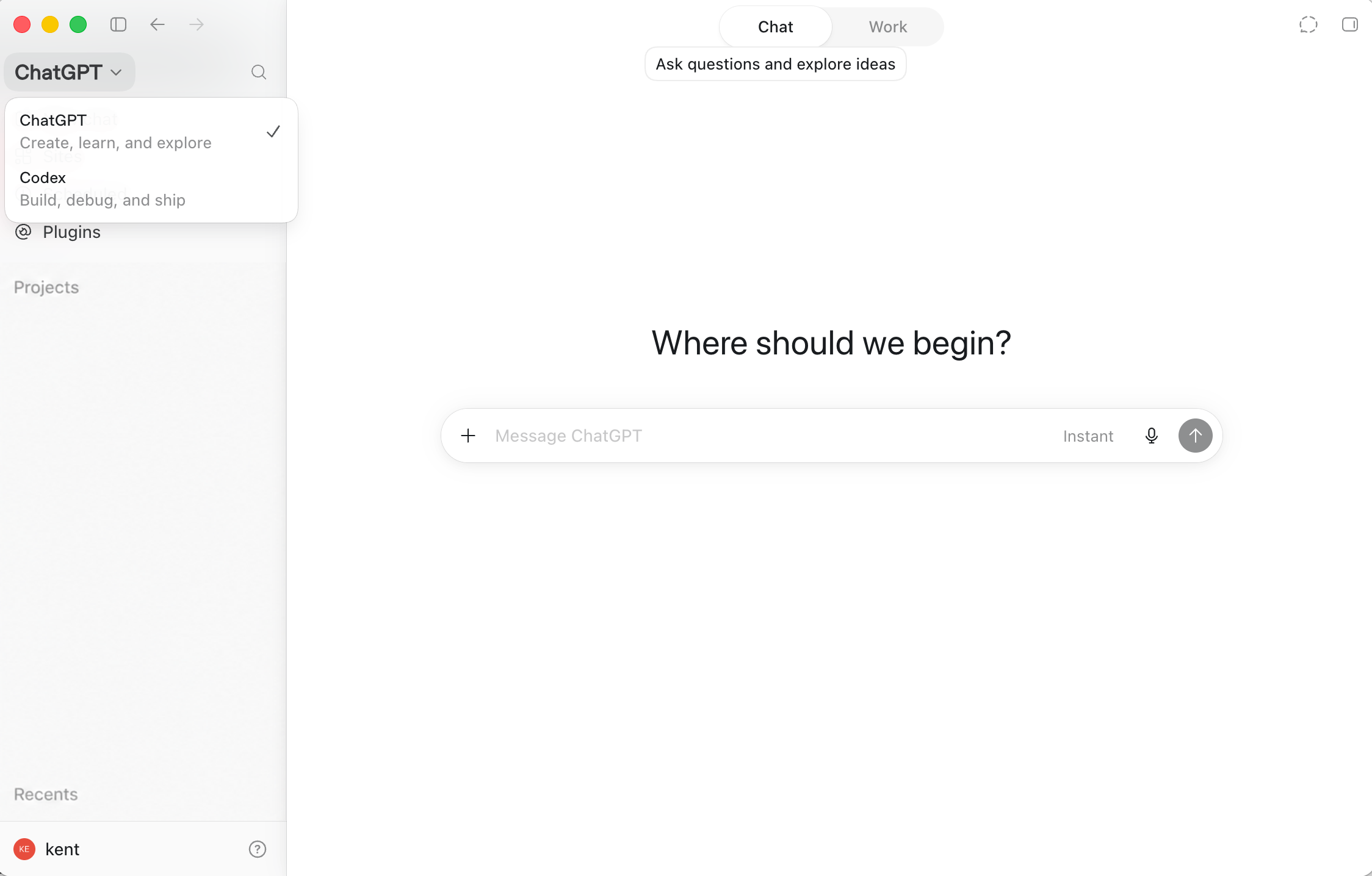
Begin in Chat when the outcome is a question, explanation, or idea you can review in the conversation. The application selector also provides a direct path to Codex when the work needs a coding-oriented environment. Interface details can evolve, so use these screens as workflow landmarks rather than a permanent map of every control.
3.2 Separate Distinct Outcomes
Section titled “3.2 Separate Distinct Outcomes”Start a separate conversation or task for each distinct outcome. Keep research, drafting, implementation, review, and follow-up separate when combining them would make decisions or evidence difficult to recover.
Let a Project preserve durable shared context instead of copying the same background into every task. Before beginning, confirm the intended outcome, relevant Project, supplied files, and review method.
3.3 Choose Context Before Tools
Section titled “3.3 Choose Context Before Tools”Select the smallest useful context before adding tools: the current conversation for one-off work, a Project for durable shared material, and a local folder or repository when the task depends on actual files. Tool access does not compensate for missing or irrelevant context.
3.4 Working in Projects
Section titled “3.4 Working in Projects”A Project groups related work and durable context. It may carry shared files, instructions, and connected sources across related conversations; development work may also depend on a selected local folder or repository.
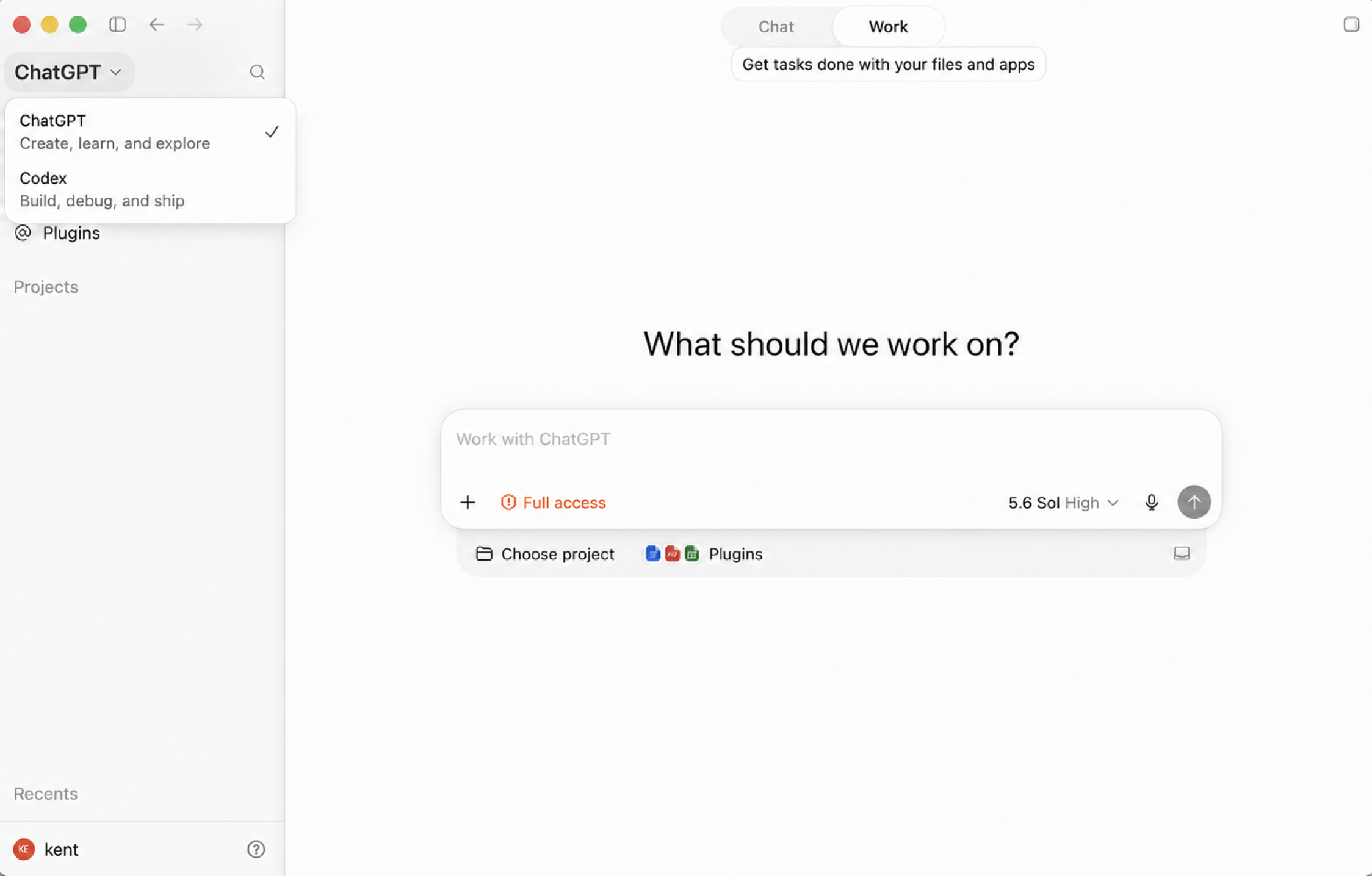
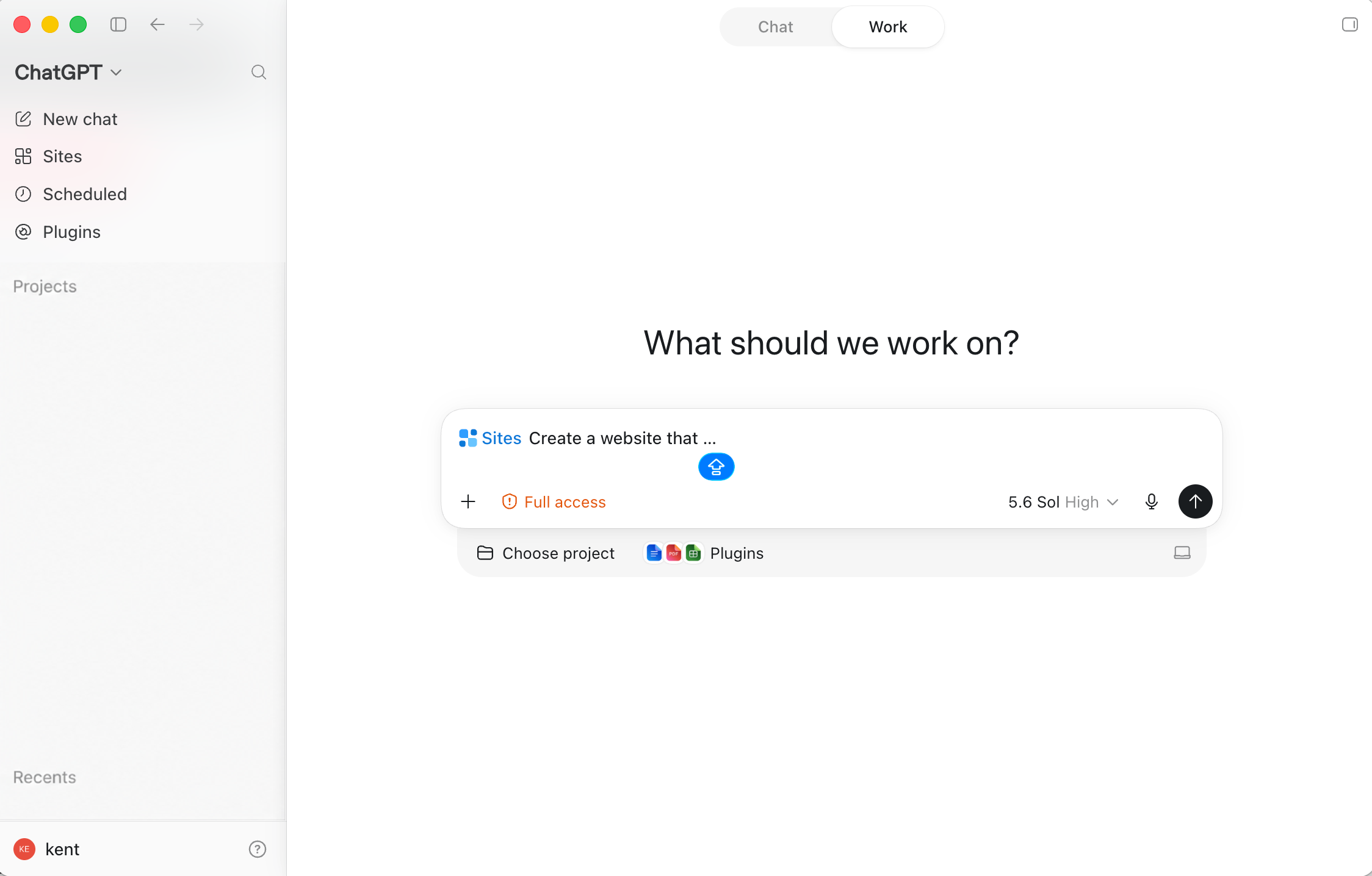
Work makes the project and connected-capability choices visible around the task composer. Before sending a task, confirm the selected project, attached files, enabled Plugins, access level, and model are appropriate for the intended outcome.
A Project organizes context; it does not grant authority. Apply the canonical permission and sandbox guidance in Chapter 13.
3.5 Working With Files and Images
Section titled “3.5 Working With Files and Images”Attach a file or image directly when it applies only to one task. Add material to a Project when it should be available across related work. Use a local project when the task depends on files or a repository on the computer.
3.6 Using Plugins, Skills, Connectors, and Apps
Section titled “3.6 Using Plugins, Skills, Connectors, and Apps”Plugins are installable capability bundles. A Plugin may combine reusable skills, authenticated connectors, MCP tools, hooks, resources, and workflow instructions.
A skill provides reusable instructions and supporting resources for a workflow. A connector provides authenticated access to an external service or data source. An app can provide tools or a task-specific interface. Installing a Plugin does not necessarily complete authentication for every connector it contains.
Review the Plugin’s contents and connect each external service deliberately. Chapter 13 owns the security and permission guidance.
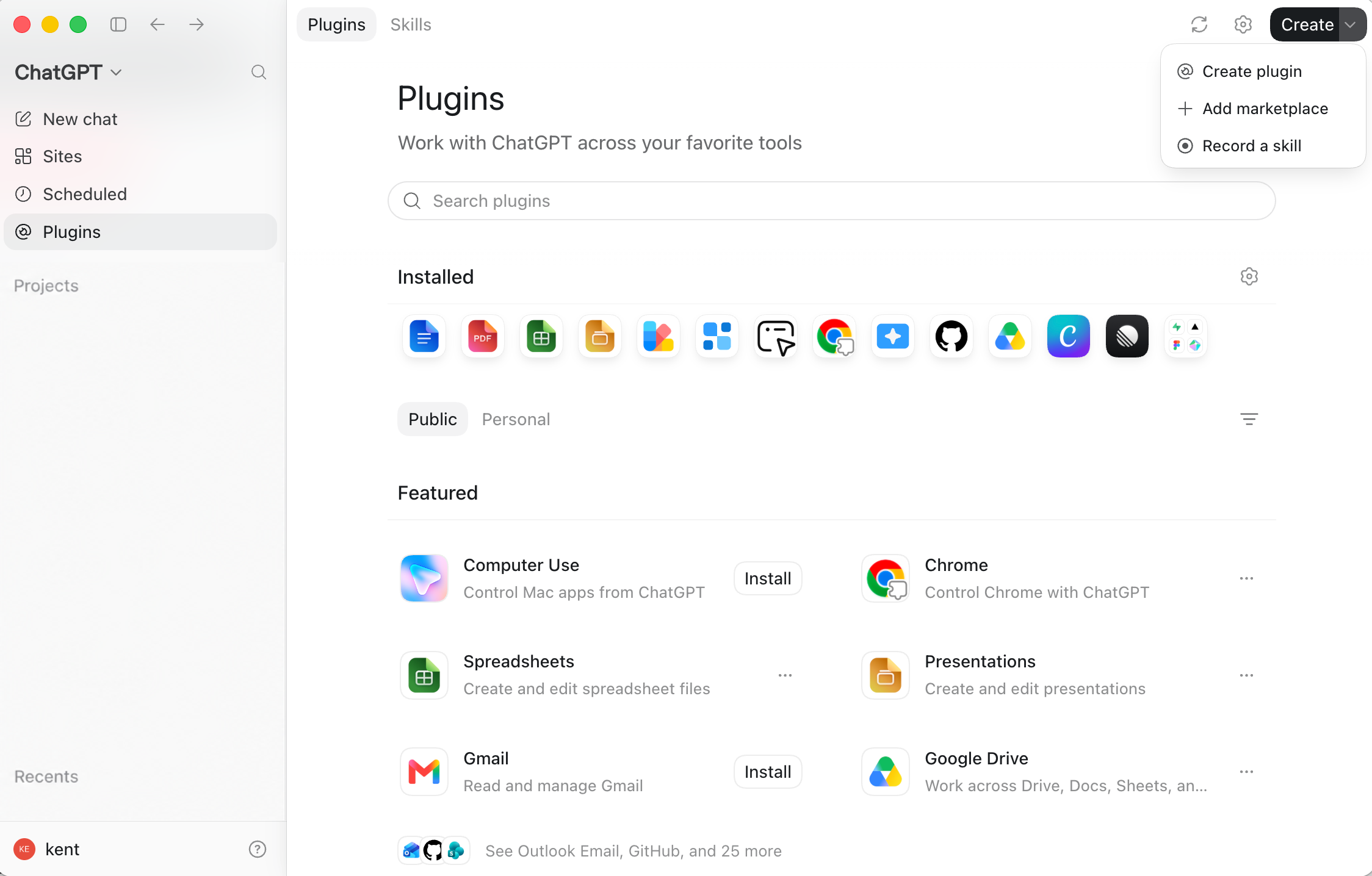
The Plugins page separates installed capabilities from items available to add. Its Create menu also exposes entry points for creating a Plugin, adding a marketplace, or recording a skill.
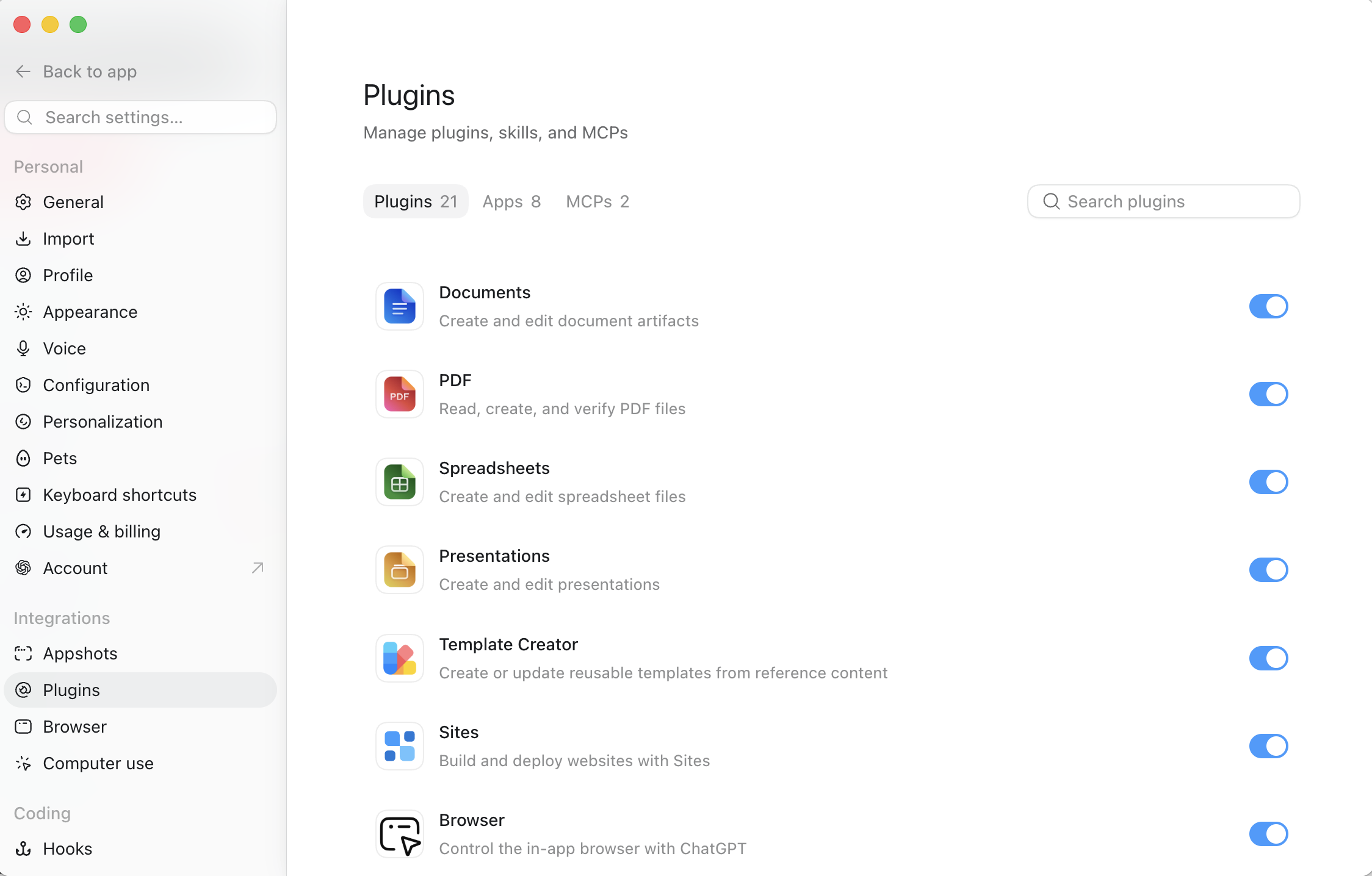
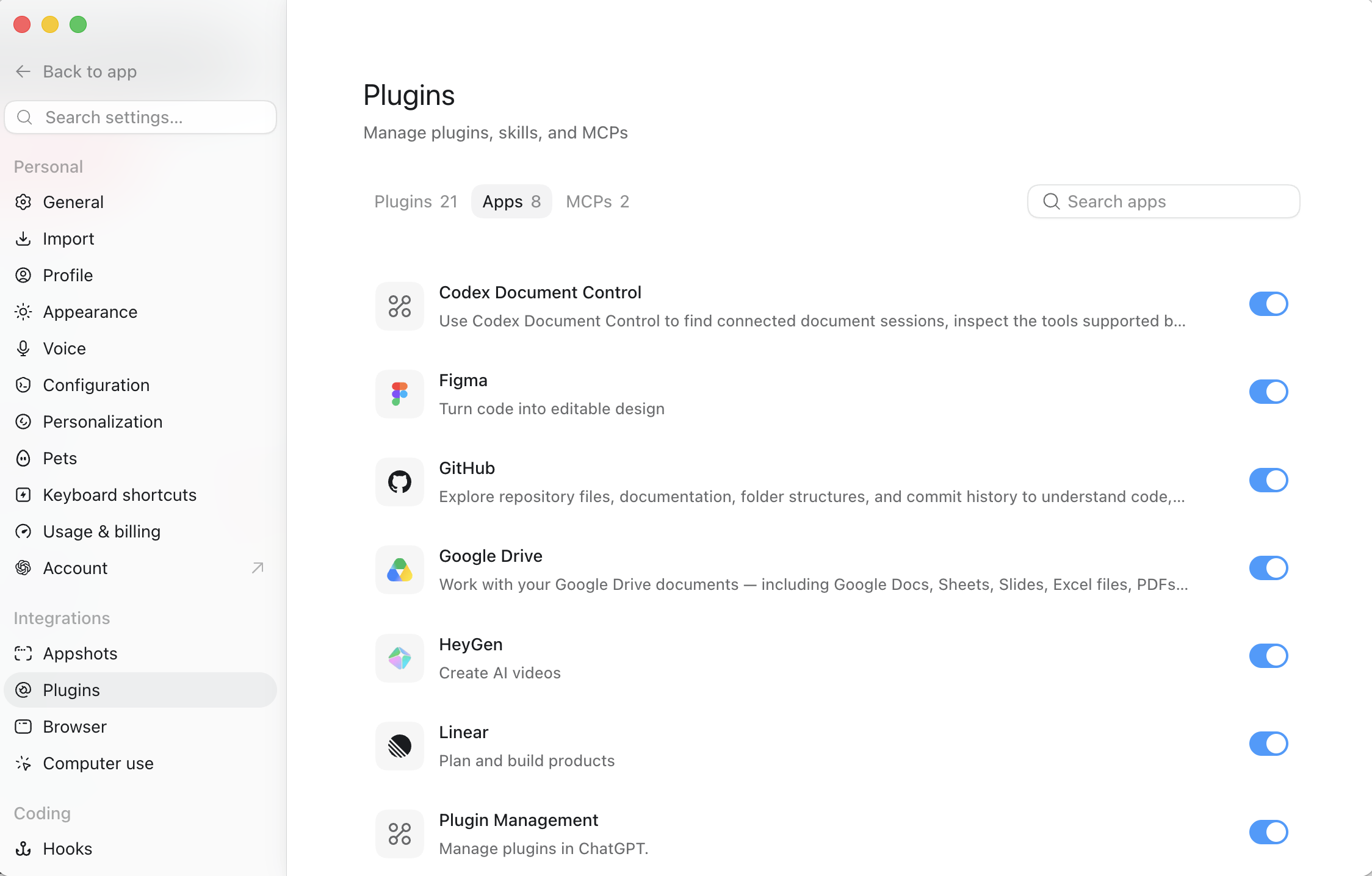
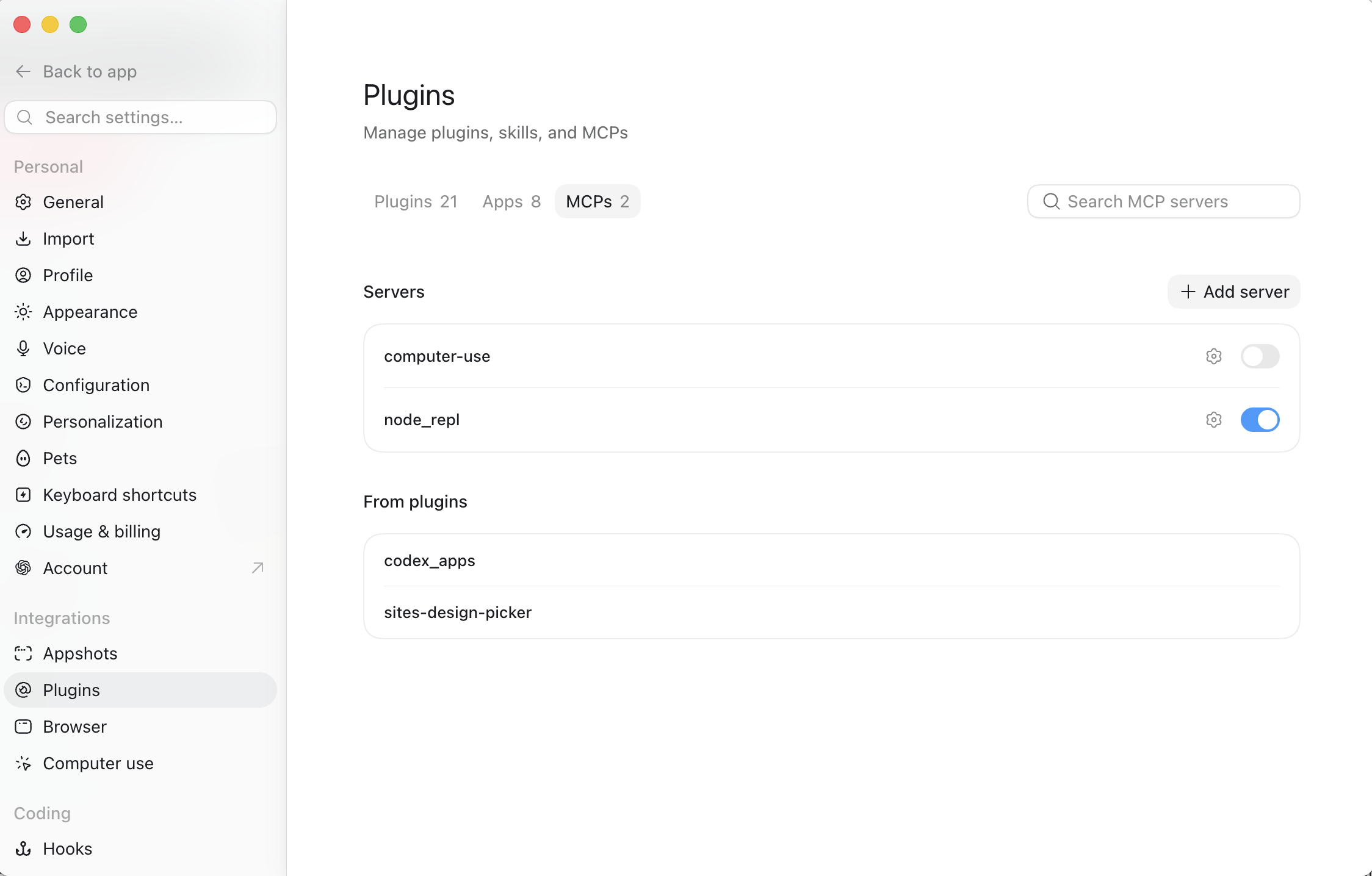
Settings provides separate views for Plugins, Apps, and MCP servers. Use these views to confirm what is enabled before a task depends on it.
3.7 Creating and Publishing With Sites
Section titled “3.7 Creating and Publishing With Sites”Sites lets ChatGPT create, host, refine, and share websites, web apps, and games. A Site can begin from a prompt or a compatible local project. Describe the audience, purpose, required behavior, data, authentication, and file-storage needs before building.
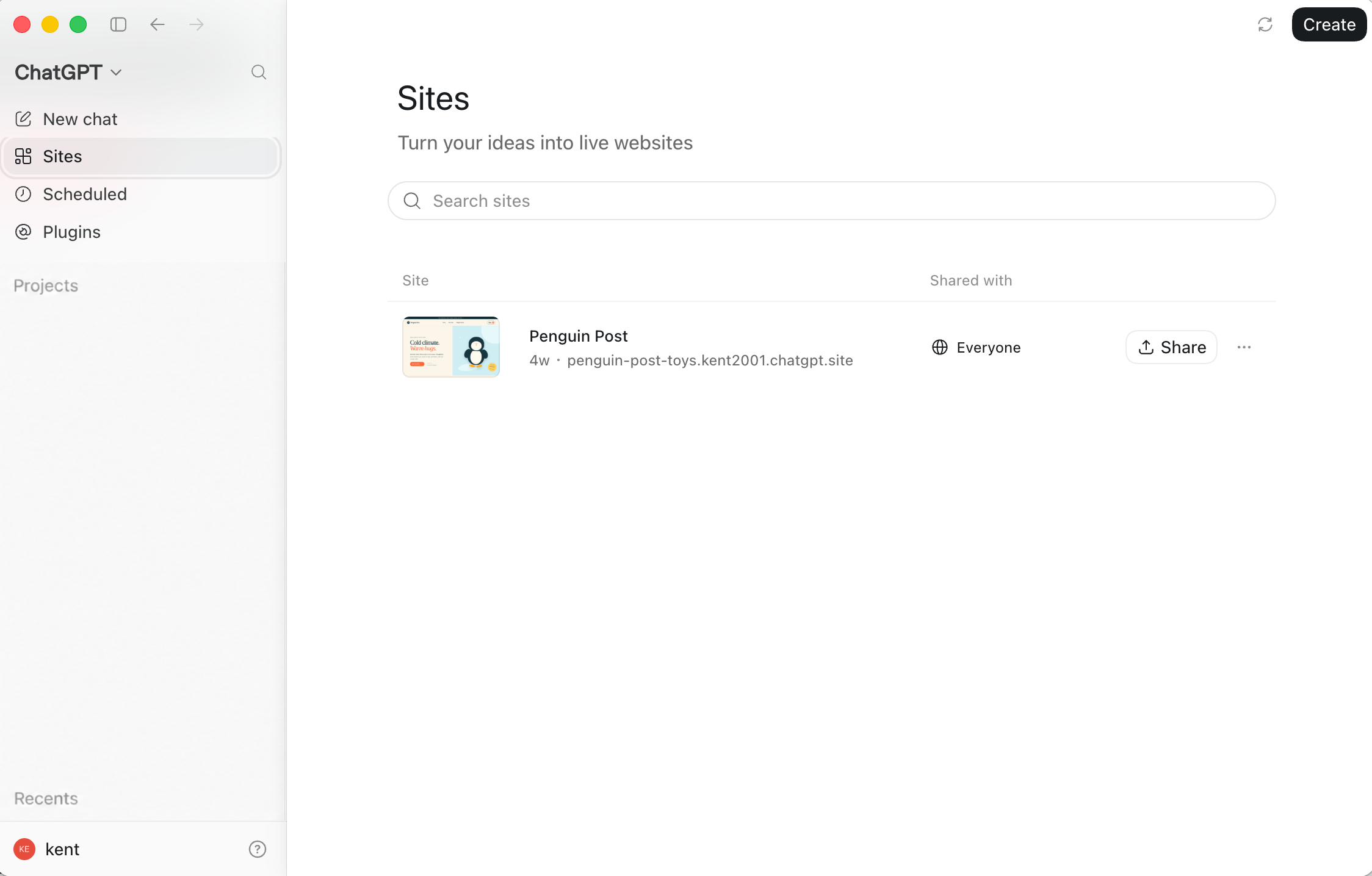
Open Sites from the navigation to review existing sites, inspect sharing state, or begin a new one. You can also start from Work by selecting Sites in the composer and describing what the site should do.
Sites separates saving a version from deploying it. Treat every deployment URL as a production deployment. When review is required, save a version without deploying it; then inspect content, links, forms, authentication, permissions, data behavior, and sensitive information before publishing.
3.8 Creating Recurring Work With Scheduled
Section titled “3.8 Creating Recurring Work With Scheduled”Scheduled is a persistent surface for recurring or delayed tasks. A standalone scheduled task can create a separate run each time. A scheduled task inside a chat can return to the same conversation and its existing context. Supported local-project tasks can run in the project directory or an isolated Git worktree.
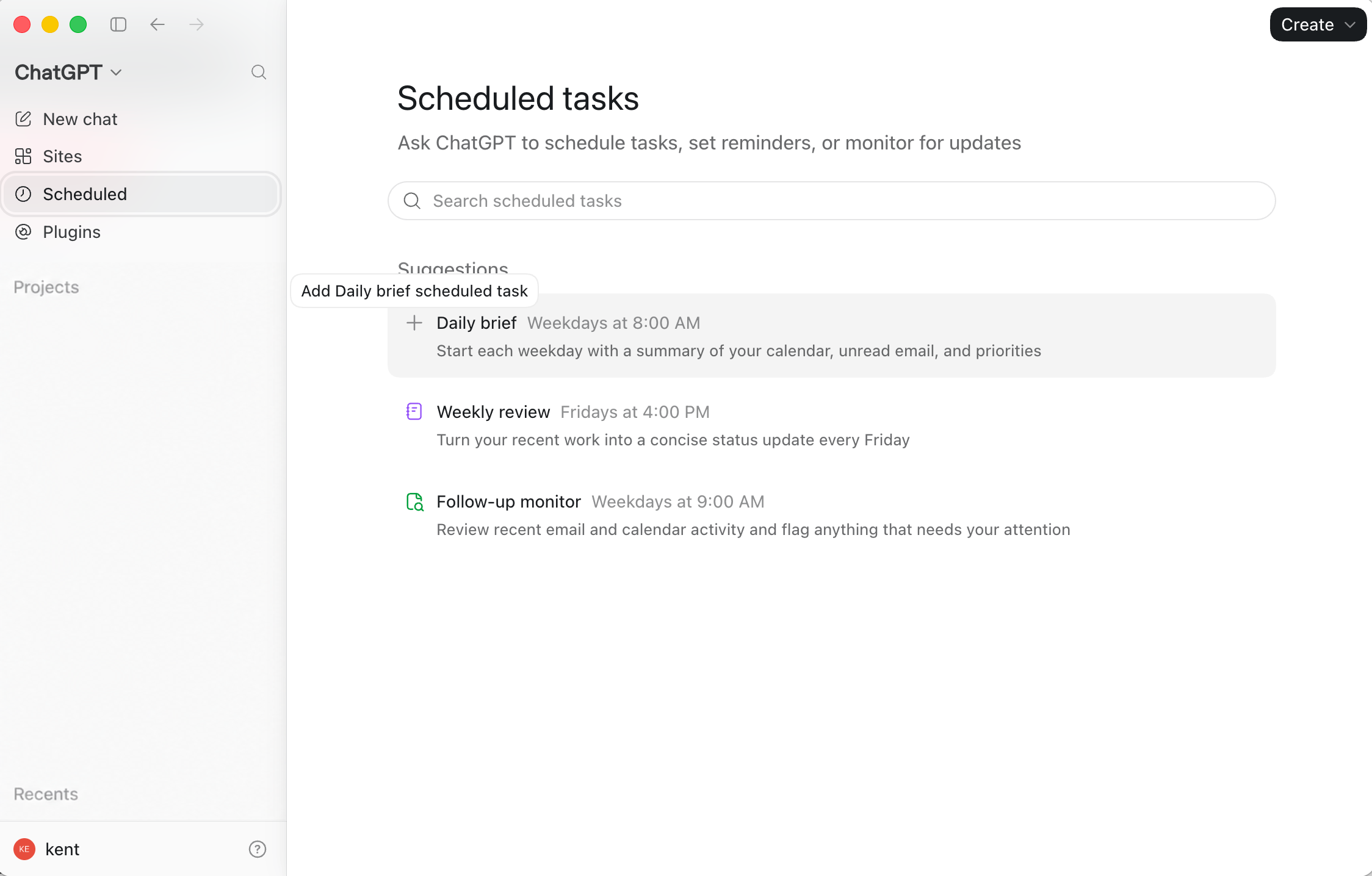
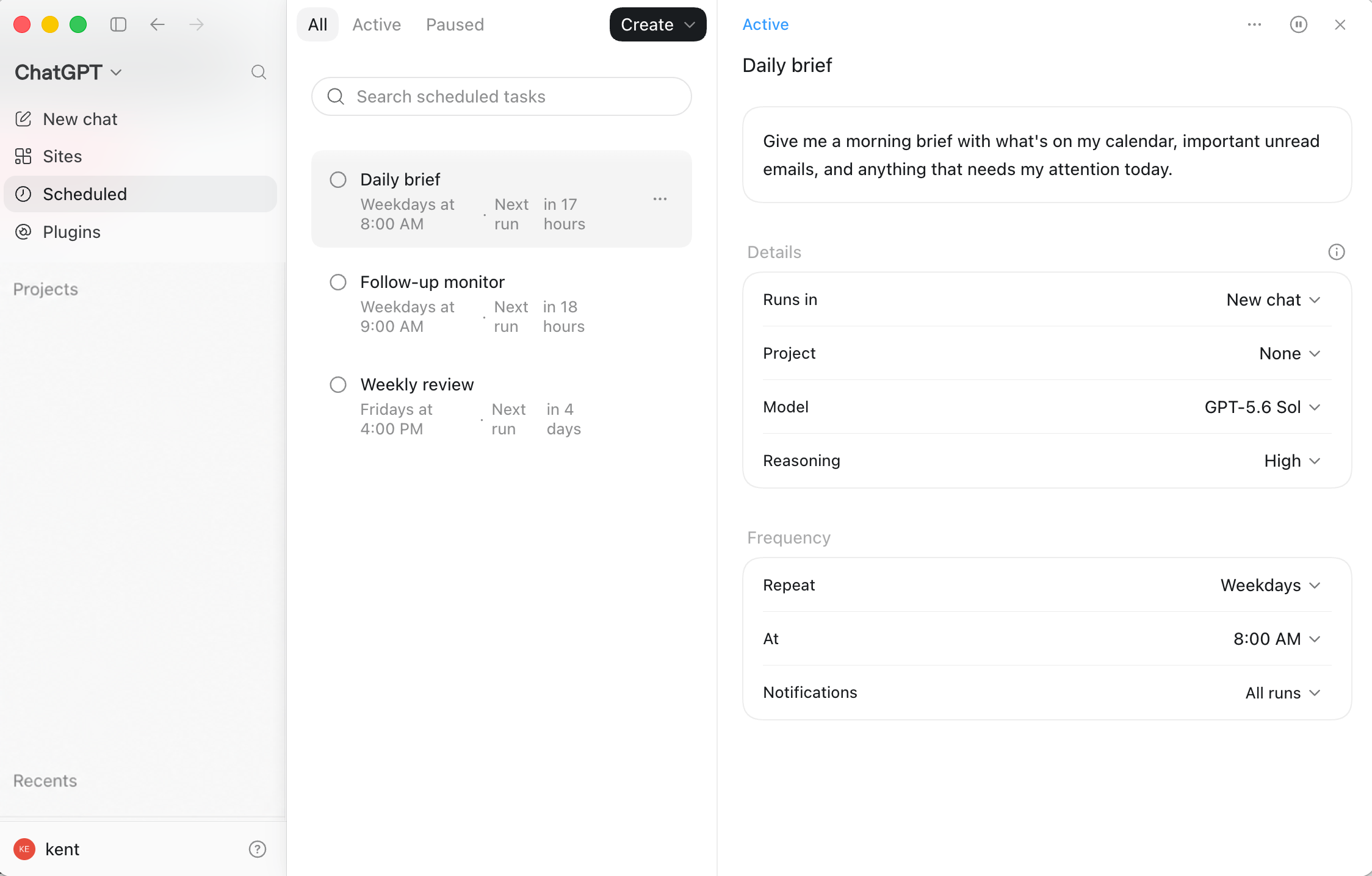
The Scheduled page provides suggested recurring tasks and a searchable list of configured work. Open a task to review its prompt, run destination, project, model, reasoning level, frequency, and notification behavior.
Test a prompt manually before scheduling it. Review the first runs and define when the task should stop, report uncertainty, or ask for human input. A local task also depends on its required machine and project resources remaining available.
3.9 Moving Into Software Implementation
Section titled “3.9 Moving Into Software Implementation”When the work enters a real repository, continue with the beginner workflow in Chapter 5 or the developer workflow in Chapter 6. Preserve the goal, relevant files, decisions, and acceptance criteria during the handoff.
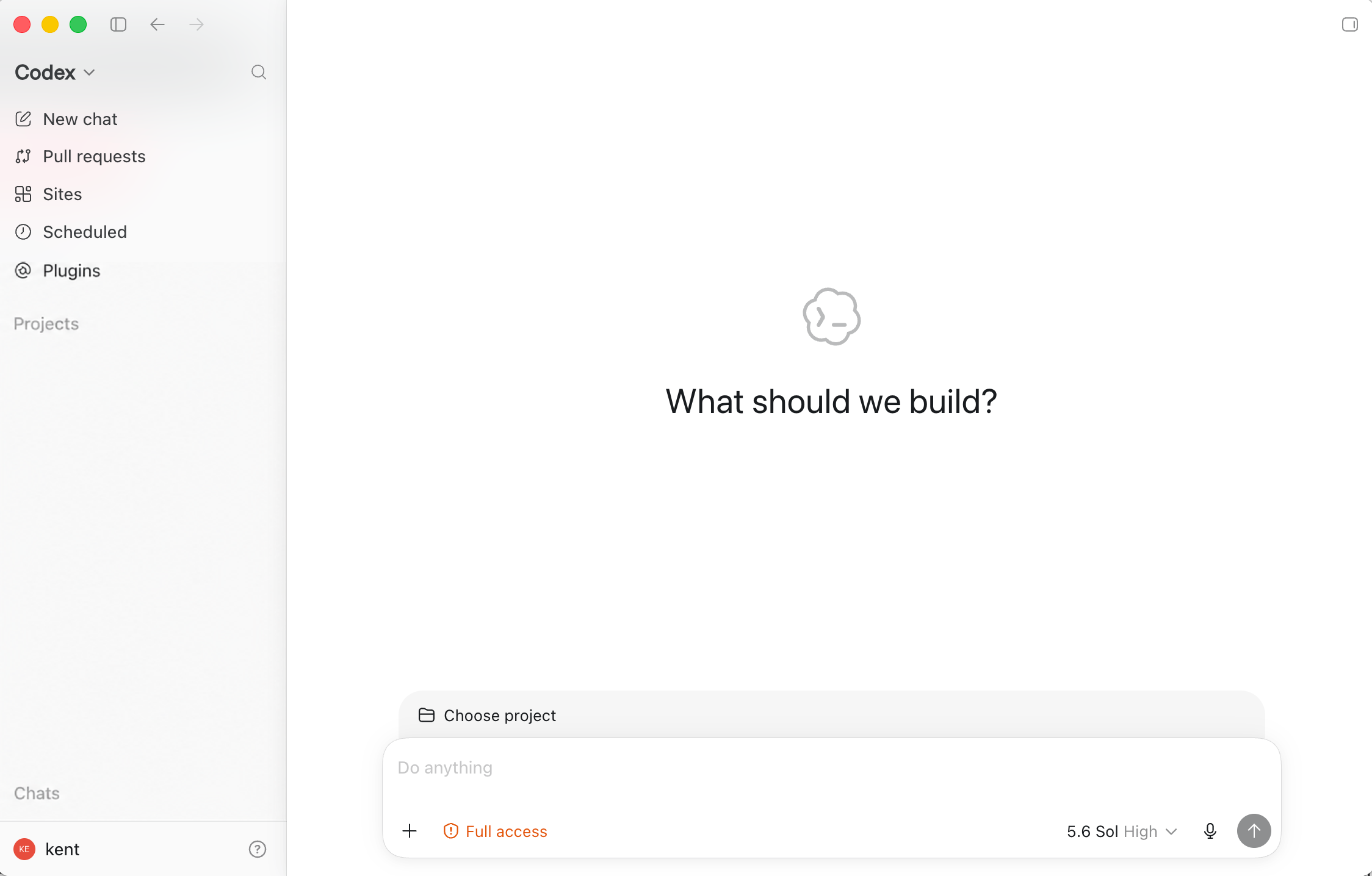
Codex begins from an explicit project boundary. Select only the folder or Git repository the task needs, confirm the displayed project, and describe both the intended change and how Codex should verify it. Review the access level and model shown around the composer before starting.
3.10 Moving From Questions to Finished Work
Section titled “3.10 Moving From Questions to Finished Work”A complete workflow may cross several surfaces. ChatGPT can research users and draft requirements; a Project can preserve interviews and brand material; a Plugin can retrieve approved Drive or Slack information; Sites can build and host a first version; Codex can implement custom code and tests; Pull requests can organize review; and Scheduled can check the site, tests, or feedback later.
The goal is not to use every feature. Choose the smallest surface that supplies the required context, tools, persistence, and review boundary.
3.11 Choosing a Codex Surface
Section titled “3.11 Choosing a Codex Surface”Choose the working surface by the task rather than by habit. The CLI is efficient for terminal users and automation; the IDE extension is useful when editor context matters; Web and Cloud are useful for repository-connected work that should run away from the local machine.
Reference structure adapted from the Codex Handbook guide.
Working surfaces at a glance
Section titled “Working surfaces at a glance”- CLI: installation and updates, interactive and non-interactive modes, configuration, commands, shortcuts, approvals, sandboxing, and troubleshooting.
- IDE extension: supported editors, installation, editor context, selections and open files, local workflow, Cloud tasks, review, settings, and troubleshooting.
- Web and Cloud: GitHub connection, Cloud environments, Secrets and environment variables, pull requests, Cloud code review, delegation, internet access, and troubleshooting.
Detailed learning paths live in Chapter 5. Detailed permissions and acceptance checks live in Chapter 13.